Your 7 a.m. NEET batch has 55 students. Three at the back are copying from a neighbour because the marker died halfway through a derivation, and four more are holding up phones to photograph the board. Meanwhile, a test-prep app is selling the same syllabus as recorded video for less than one month of your fee.
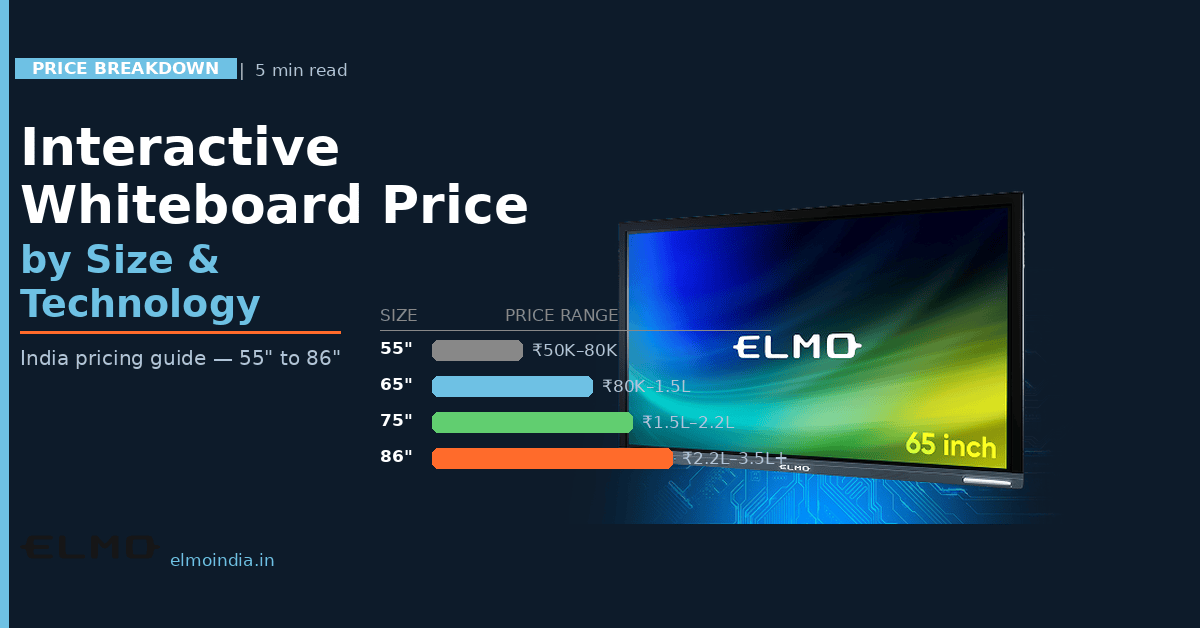
That squeeze is why so many directors are quietly checking the interactive smart board price before the new session opens, and why interactive smart boards have moved out of schools and into coaching halls. Here is what actually breaks in a coaching classroom, what a panel fixes, what sits inside the quotation, and how to roll it out without losing teaching days.
What Is Actually Breaking in Your Classrooms
The whiteboard is not the villain. Repetition is. The same chapter gets taught four times a week across four batches, and the quality drifts a little with every repeat because your faculty is human and it is the fourth time since Monday.
Visibility is the second failure. In a hall that runs 30 to 35 feet deep, anything written in the bottom third of a whiteboard disappears past row six. Students stop taking notes, start photographing the board, and your doubt-clearing sessions swell to absorb the difference.
The third is dependency. When your best Physics faculty takes leave, the batch either waits or gets a substitute, and parents notice inside a week. Nothing in a marker-and-duster classroom captures what that teacher does, so nothing can be reused when they are not in the room.
None of this is a small-money problem for the families paying you. The NSO’s 75th-round education survey put average annual spending per student pursuing a general course at Rs 16,308 in urban India and Rs 5,240 in rural areas, and coaching fees usually sit on top of that. Parents comparing your centre against an app expect the classroom to look like it justifies the premium.
What an Interactive Panel for Tuition Centre Classrooms Fixes First
Strip away the marketing and an interactive panel for tuition centre teaching is simply a self-contained 4K touchscreen. No projector, no lamp, no calibration, and no shadow across the screen when the teacher stands in front of it. Content stays legible in daylight, so nobody is drawing curtains at 11 a.m. to make the projector usable.
The early wins are unglamorous and genuinely useful. Board work gets saved instead of erased, yesterday’s derivation reappears in one tap, and faculty switch between an NCERT page, a previous-year question PDF, and a simulation without leaving the board. That alone gives back the eight to ten minutes per class currently spent redrawing the same diagram.
Engagement follows the mechanics, not the marketing. Our breakdown of smart panel board benefits for modern classrooms and training rooms covers how annotation, screen sharing, and saved sessions change the rhythm of a lecture once teachers stop treating the panel as a large television.
Interactive Smart Board Price: What Is Really Inside the Quote
Two quotations for the “same” 75-inch board can differ by a lakh, and the glass is rarely the reason. Screen size, touch technology, Android version, brightness, speaker output, an OPS slot for a Windows module, wall mount, installation, and the length of on-site warranty all live inside that single figure.
So ask for the specification sheet, not the discount. The 75″ ELMO Board, for instance, runs a 3840 x 2160 display with 20 touch points, an IR touch panel, Android 14, a 178-degree viewing angle, and 20W speakers. Those are lines you can hold against a competing quote instead of comparing brand names and gut feel.
The sharper way to read interactive smart board price is per batch, per year. Divide the landed cost by the number of batches that will use the panel across its warranty period, and the number stops looking like capital expenditure and starts looking like a per-student cost. If budget is the binding constraint this session, how to choose a smart touch board on a budget walks through which specifications you can compromise on and which ones you cannot.
Recorded Lectures Are Where the Money Comes Back
This is the part most owners underestimate. A panel with built-in recording turns every lecture into an asset: a student who misses Thursday gets the session instead of raising a refund request, and revision batches run on your own recorded library rather than bought content.
Wireless mirroring changes the teaching position too. Faculty can drive the class from a tablet while walking the aisles, and a senior teacher at the main branch can deliver live to a second location without anyone travelling. For a multi-branch operator, one strong smart board for coaching institute use at the flagship centre effectively extends your best faculty across the whole network.
That is also how you answer the online competition instead of pretending it does not exist. You are offering what an app cannot: a live teacher, in a room, with a recording of that exact class attached.
The Market Has Already Moved From Projectors to Panels
This is not an India-only hunch. Futuresource Consulting’s education display research found that interactive flat panels account for around three-quarters of display spend in K-12 while projection is forecast to drop 46% in value by 2029, with 10.2 million interactive panel and whiteboard units expected to ship into education globally in that period.
The practical consequence for a coaching centre is simple. Spares, servicing, and installer expertise follow volume, so a projector-based classroom bought today rests on a shrinking supply chain.
Rolling It Out Without Losing Teaching Days
Do not electrify the whole building in one weekend. Pilot a single classroom, ideally your largest and most complained-about hall, and get the installation done between the evening and morning batches. Run it for 30 days and watch three things: attendance in that batch, doubt-session load, and whether faculty actually use the features.
Then pick two teachers as internal champions, agree on a file-naming convention for saved lessons, and only scale after the pilot batch stops being a novelty. A second smart board for coaching institute branches is far easier to justify once you have one room’s numbers in hand. If you would like to test a panel on your own question papers and slides before committing capital, schedule a demo at your centre and put it in front of the faculty who will use it daily.
The Bottom Line
Coaching is a trust business, and the classroom is the product. An interactive panel for a tuition centre does not make a weak teacher strong, but it removes the friction that makes a strong teacher look ordinary: dead markers, invisible back rows, lost board work, and lectures that vanish the moment they end.
So the question worth asking is not the interactive smart board price in isolation. It is what one upgraded classroom earns back in retention, reusable recordings, and the batches you can run without adding faculty. Answer that, and the quotation stops being an expense and starts being a line item with a payback period.
—
Frequently Asked Questions
1. Do interactive smart boards work without an internet connection?
Yes. Writing, annotating, opening PDFs from a USB drive, saving board work, and screen mirroring from a laptop all run offline on the panel's own Android system. You only need internet for cloud storage, YouTube or simulation content, live streaming to another branch, and firmware updates. For coaching centres in areas with unreliable broadband, keep lesson files loaded locally and treat connectivity as a bonus rather than a dependency.
2. What size panel suits a coaching hall of 50 to 60 students?
Size follows the distance of your last row, not your student count. The standard AV rule of thumb is that the furthest seat should sit within about six times the screen height. On that basis a 65-inch panel works where the back row is inside roughly 16 feet, a 75-inch stretches to about 18 feet, and an 86-inch is the safer call once the last bench crosses 20 feet. Measure the hall before shortlisting anything.
3. Can we just use a large smart TV instead of an interactive panel?
A smart TV has no touch layer, no multi-user writing, no palm rejection, and no pen input, so your teacher still returns to a marker. Consumer TVs are also built for a few hours of home viewing, not eight-hour daily classroom duty, and their glass and brightness ratings reflect that. For a teaching room, the touch panel, durability, and warranty terms are exactly what you are paying extra for.
4. What warranty and after-sales terms should a coaching centre insist on?
Ask for on-site warranty rather than carry-in, since nobody wants to unmount an 86-inch panel and courier it. Confirm the coverage period separately for the display, the touch frame, and the Android module, because they are often different. Get the service turnaround time in writing, check whether spare panels are stocked in your city, and price an extended AMC before you sign, not after.
5. What GST rate applies to interactive flat panels in India?
This is worth clarifying in writing before you order. Indian advance rulings have classified interactive flat panels differently depending on their functions, with panels treated purely as data-processing monitors taxed at one rate and multi-function panels assessed at a higher one. Ask your supplier to state the HSN code and applicable GST rate on the quotation itself, then confirm with your accountant how the input tax credit will be treated. —