You are a few weeks from a tender deadline and the specification sheet on your desk still reads “projector and screen.” Down the corridor, a hybrid hearing is running off a laptop balanced on a stack of case files, and last Tuesday’s departmental review lost fifteen minutes to a dead HDMI cable. Somewhere between those two scenes sits a budget line and a question nobody has answered properly. This guide covers what interactive displays actually do in courtrooms and government offices, how they support digital governance mandates, and the interactive board price for courts and government offices you should plan for before the file moves upstairs.
Why Courtrooms Are Going Digital Faster Than You Think
The shift is not a trend, it is funded policy. On 13 September 2023 the Union Cabinet approved Phase-III of the eCourts Project for ICT development of the Indian judiciary, with an outlay of Rs 7,210 crore over four years. Its components include digitisation of legacy court records, cloud infrastructure and 4,400 fully functional e-Sewa Kendras across court complexes.
Here is the practical consequence. Once records are digitised and filings arrive electronically, the paper exhibit becomes the exception rather than the norm. The bottleneck moves to the last mile: the screen everyone in the room is supposed to be looking at.
That last mile is where most court and department budgets are still under-specified. A digitised case file shown on a 21-inch monitor turned sideways towards counsel is not a courtroom display. It is a workaround.
What an Interactive Board Does That a Projector Cannot
In a hearing, the value is shared reference. When the bench, both counsel and the record clerk are all looking at the same annotated page at the same moment, arguments get shorter and misunderstandings get caught early. An interactive panel lets you circle a clause, magnify a signature, and move on without anyone dimming the lights.
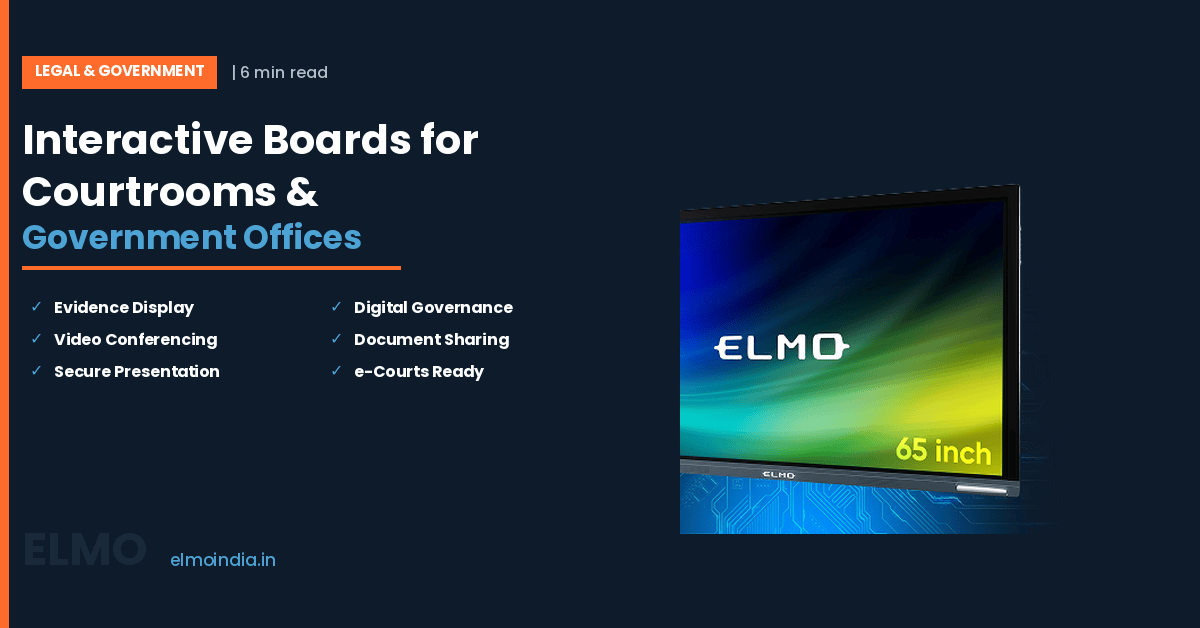
The physical specification matters more than the feature list. The 86-inch ELMO Board runs a 3840 x 2160 4K panel with 20 simultaneous touch points, a 178-degree viewing angle and an IR touch layer, so a judge at the bench and an advocate at the far table see the same detail without colour shift.
Brightness is the specification people forget. Courtrooms and government conference rooms are usually lit for reading paper, not for projection, and a courtroom display rated at 350 to 450 cd/m² stays legible with the tube lights on. Front-facing HDMI and USB ports also matter, because nobody wants to crawl behind a wall mount mid-hearing.
Interactive Board for Government Office Use: Beyond the Courtroom
Courtrooms get the attention, but the heavier daily use is in administrative buildings. District review meetings, land and GIS map discussions, scheme dashboards, budget presentations and departmental training all involve a group of people arguing over one document. Wireless mirroring from a laptop or phone removes the cable scramble that eats the first ten minutes of every meeting.
Training rooms are the strongest early case for an interactive board for government office deployment, because usage is predictable and measurable. If you are still weighing the older setup against a panel, the comparison in why interactive boards and document cameras are replacing traditional projectors covers the maintenance and clarity differences in detail. Bulbs, alignment and darkened rooms simply stop being line items.
Pairing the Board with a Document Camera for Evidence
A panel displays what is already digital. A document camera handles everything that is not — a thumb impression, a torn agreement, a stamped ledger, a seized physical object. This is where courts and investigating agencies get the most immediate value, because the majority of contested material still arrives on paper.
The ELMO L-12G visualizer captures in 4K with 12x optical and 16x digital zoom, and its arm rotates 270 degrees and bends 180 degrees so you can frame an object from almost any angle. Single-click capture and recording means the exact view shown in the room can be saved rather than described in the order sheet afterwards.
Used together, the board and the visualizer replace the passed-around exhibit. Counsel points, the bench sees, the remote participant on video conference sees the identical frame, and the proceeding keeps moving.
Interactive Board Price: What Government Buyers Should Budget For
Published ranges go stale within a quarter, so it is more useful to understand what actually moves the interactive board price on a government quotation. Panel size is the biggest single driver, followed by resolution, touch technology, brightness, the operating system and whether you add an OPS slot-in PC for Windows-based case management software.
Then there are the costs that never appear on the headline figure: GST, the wall mount or mobile trolley, on-site installation, cabling, user training and the annual maintenance contract. For a size-by-size breakdown of how these stack up in practice, read how much an interactive board costs for schools vs corporates, which maps the same variables a government buyer will face.
Compare on total cost of ownership over five years, not on the quoted unit price. A panel has no lamp to replace, no filter to clean and no annual alignment visit, which is where projector-based rooms quietly leak budget. Ask every bidder to quote hardware, installation and AMC as three separate lines so the comparison is honest.
Procurement and Compliance Checkpoints
Write the specification around measurable parameters rather than brand names — screen size, native resolution, touch points, brightness in cd/m², warranty duration and guaranteed service response time. That keeps the tender defensible and gets you comparable bids. Locally manufactured units also align with Make in India preference norms and usually mean faster spare-part turnaround.
Align the room design with judicial ICT policy before you order. The e-Committee of the Supreme Court of India lists interlinking of all courts, ICT enablement of the judicial system and citizen-centric services among its core objectives, and it has issued Standard Operating Procedures for video conferencing and digitisation that your High Court will expect you to follow.
Making the Decision
Start with one room, not the whole building. Pick the courtroom or the review hall with the highest weekly footfall, specify it properly, run it for a quarter and record what changed in hearing time or meeting length. That evidence is what unlocks the next sanction.
The honest answer on interactive board price is that it depends on size, specification and service terms — which is exactly why a demo in your own room, with your own case files and your own lighting, beats any comparison chart. Ask the vendor to bring the panel and the visualizer together, and put your worst-quality document in front of both.
—
Frequently Asked Questions
1. Can an interactive board be used for video conference hearings?
Yes. Most panels run an Android operating system that hosts standard conferencing apps directly, and an OPS slot lets you add a Windows module if your case management software demands it. The e-Committee of the Supreme Court has issued Standard Operating Procedures for video conferencing, so confirm your High Court's camera, microphone and recording requirements before finalising the room layout and the mount height.
2. What screen size should a courtroom or committee room specify?
Size follows the distance to your furthest seat, not the floor area of the room. A 65-inch panel suits chambers, interview rooms and small committee rooms. A 75-inch works for mid-sized meeting halls, while an 86-inch is the safer choice for a main courtroom or collectorate conference hall where the back row sits well away from the screen. Always sight-test using real case documents.
3. How do government departments in India actually purchase interactive boards?
Most central and state departments buy through GeM, the Government e-Marketplace, using direct purchase, an L1 bid or a rate contract depending on order value. Build the specification around measurable parameters instead of brand names, and ask bidders to quote installation, user training and the annual maintenance contract as separate line items. That makes technical and financial comparison straightforward at the evaluation stage.
4. Do interactive boards work without an internet connection?
Yes, for most daily work. The built-in whiteboard, annotation tools, file viewer and USB playback all run locally, so a hearing or briefing does not stop when connectivity drops. You need a network only for video conferencing, cloud file access, network screen mirroring and firmware updates. For sensitive rooms, many departments keep the panel on an isolated VLAN with restricted outbound access.
5. How is on-screen work saved for the official record?
Annotated pages and whiteboard sessions can be exported as image or PDF files to a USB drive, emailed directly from the panel, or saved to a shared folder. Some rooms also record the full session as video. Agree retention and handling rules with your registry or records officer first, because anything created on the panel during a proceeding may form part of the case file. —